Create Your Account
Learn how to sign up for Moniqo and get your account ready to use.
Create Your Account
Before you can start budgeting with Moniqo, you need an account. Creating an account lets you securely manage your budgets and keep them synced wherever you use Moniqo, whether that’s on your phone, your laptop, or any other device you check in from.
Setting up your account only takes a few minutes. Once it’s done, you’ll be ready to create your first budget and start giving every rupee a job.
Steps
Follow these steps to create your account:
Visit the Sign Up page.
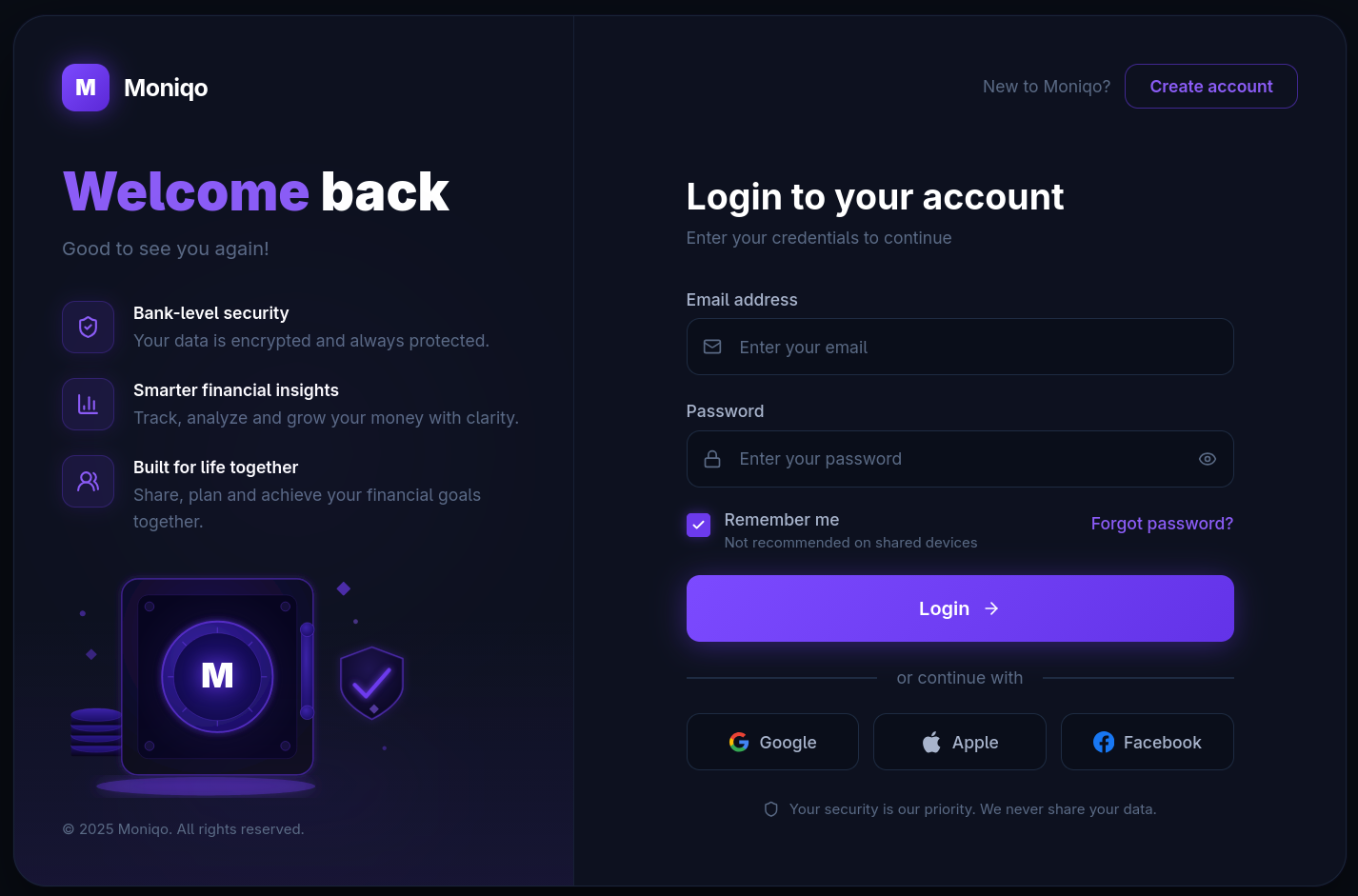
Enter a username. This is the name you’ll use to identify yourself in Moniqo.
Enter your email address, if applicable.
Create a strong password. You’ll use this along with your username to sign in going forward.
Submit the registration form.
Sign in with your new account.
Complete your basic profile. This step is optional if it isn’t required for your setup.
That’s it. Your account is ready, and you can move straight on to setting up your budget.
Tips
A few small habits will make managing your account easier down the road:
- Choose a memorable username so it’s easy to sign in later.
- Use a strong, unique password to keep your account secure.
- Keep your account information up to date, especially if you use it to recover access later on.
Next Steps
Now that your account is set up, you’re ready to build your budget. Head over to the Create Your First Budget guide to set up your first budget and start giving every rupee a job.